
OC Online Gun Certificate
AUGUST 2025
UX/UI DESIGN • WEB DESIGN
Solo Freelance Work
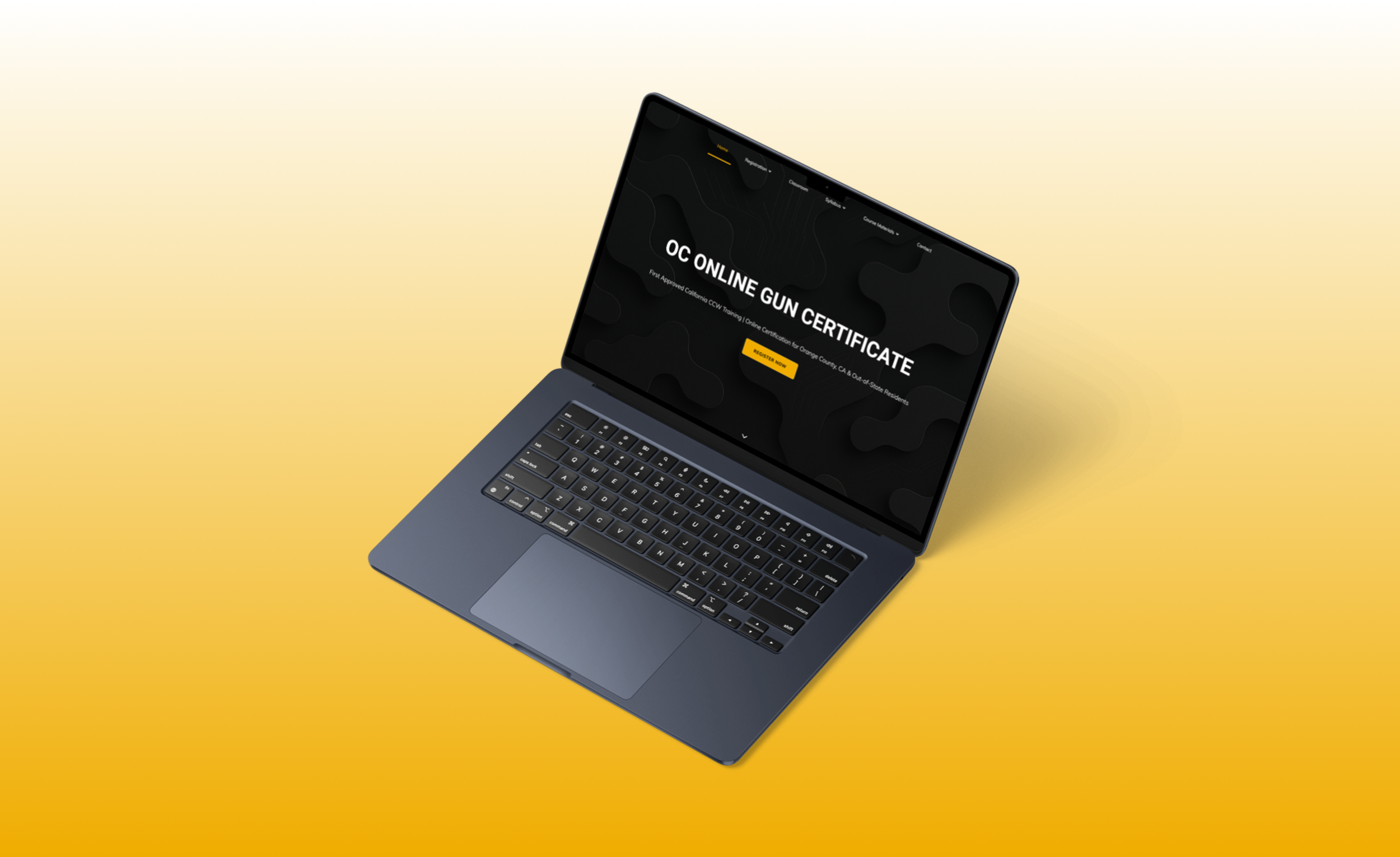
Completing a firearm certification course should be straightforward, but confusing navigation and fragmented workflows made the process difficult for many users.
Context
The client needed a website that allowed users to quickly understand the certification process, find the correct course, and complete registration without confusion. The existing site lacked clear navigation, consistent structure, and a reliable path to enrollment.
Problem
Despite serving hundreds of students annually, users struggled to complete registration due to unclear navigation and fragmented information.
Could not find registration pages
Confused by overlapping content
Unclear certification paths
Relied on direct support to enroll
Insight: The issue was not the certification process. It was the site’s inability to guide users through it clearly.
User Statement
“If I were visiting for the first time, the site might look like a scam.” - Returning User
Research and Approach
To understand the platform’s usability challenges, I began by auditing the existing website and speaking with the client about recurring user complaints. Many support messages involved confusion around course registration and difficulty locating required materials.
I also reviewed competitor certification platforms to identify common UX patterns used in online course enrollment systems.
From this research, three key issues emerged.
1. Unclear Navigation
Users struggled to locate registration pages because key actions were buried within multiple menu layers.
2. Fragmented Registration Flow
The certification process required users to move between several disconnected pages without clear progress indicators.
3. Low Trust Signals
Inconsistent branding and outdated visual design reduced credibility for first-time visitors.


Old Design Pages
Key Insight
Users were not struggling with the certification process itself.
They were struggling to navigate the website and locate the correct steps.
Information Architecture
Problem:

The original website had cluttered navigation and scattered content, making it difficult for users to understand where to begin or complete key tasks like course registration.
Solution:
I simplified the site’s structure by introducing a guided Welcome page, separating registration into state-specific flows, and organizing course materials into clearer categories, creating a more intuitive path from landing to certification.

Visual Branding
The original website lacked a cohesive visual identity, which reduced credibility and trust for first-time visitors. As part of the redesign, I developed a consistent brand system to create a more professional and recognizable experience.
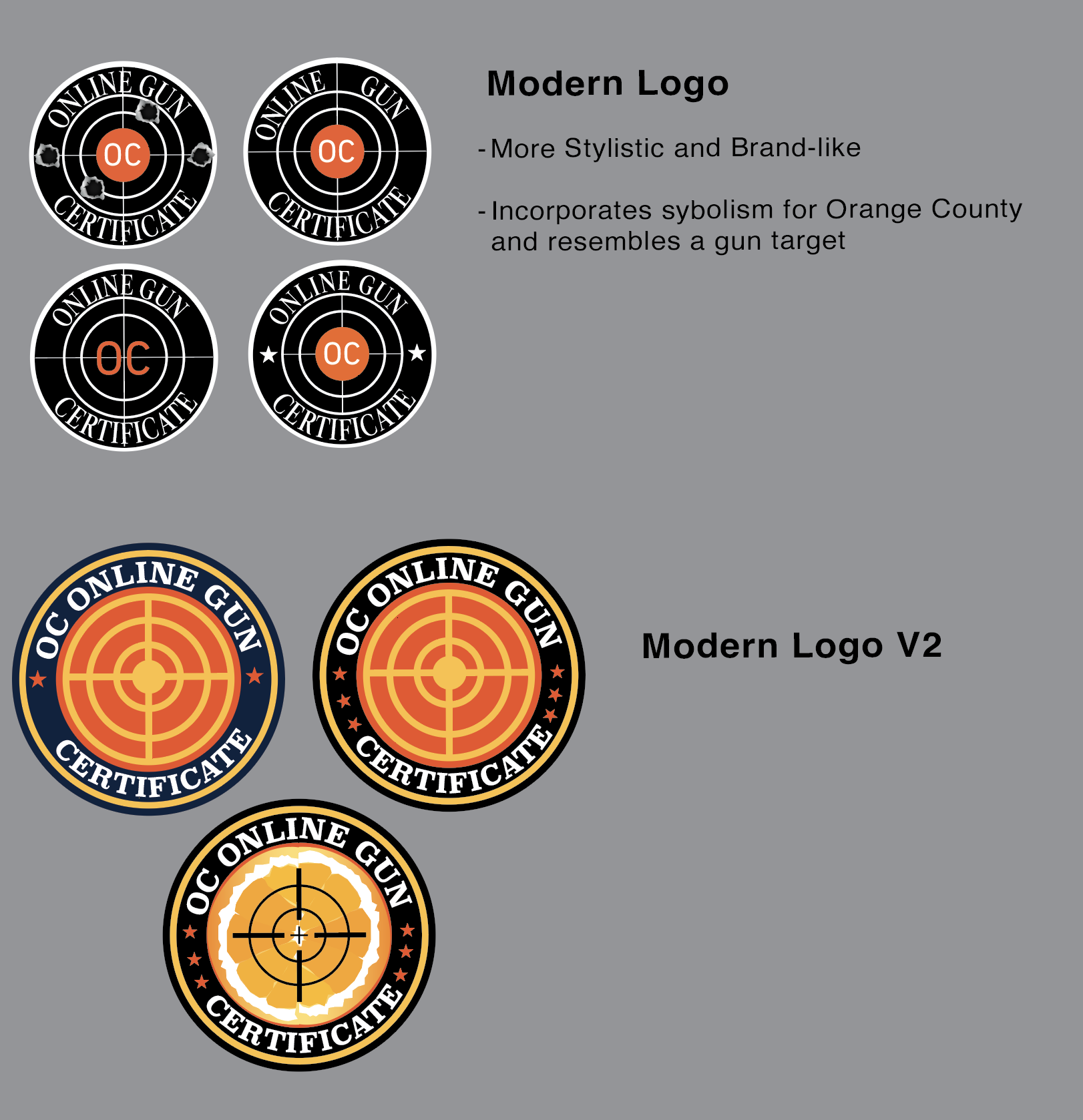
All logo graphics were designed in Adobe Illustrator. I explored several branding directions for the client, ranging from more modern, graphic-driven concepts to simpler marks focused on clarity and professionalism.
These explorations helped establish a visual foundation that aligned with the platform’s purpose while improving the overall perception of the site.


Design Decision
After reviewing the options, the client ultimately chose a minimal text-based logo that aligned with his preference for a straightforward identity. This process highlighted the importance of balancing creative exploration with client goals while still ensuring brand consistency across the website and marketing materials.
Wire-framing and UI Testing
Low-fidelity wireframes mapped out the new information architecture and user flows, focusing on making course registration and navigation more intuitive. After aligning with the client on structure and layout, I developed mid- and high-fidelity mockups that introduced a modern visual style and consistent design system.
To validate design decisions, I conducted basic UI testing by sharing interactive prototypes with the client and selected users. This helped identify areas of confusion, such as unclear button placement and labeling, which I refined in later iterations. By using Figma’s collaborative features, I was able to quickly gather feedback, iterate on designs, and ensure the final product balanced both user needs and client goals.


Final Design and Solution
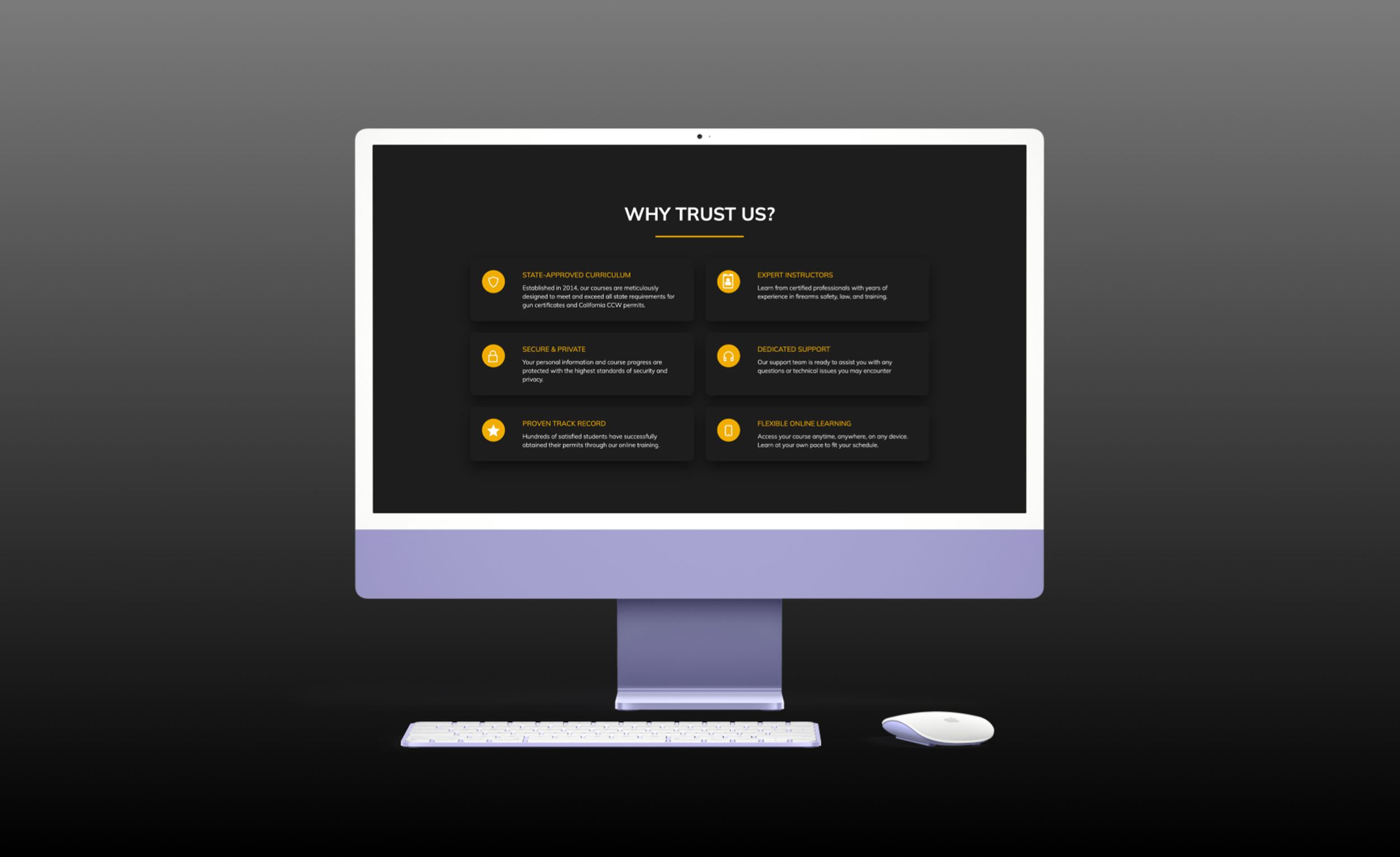
The redesigned platform created a clearer and more structured user experience.
Key improvements included:
Simplified navigation structure
A more intuitive registration process
Improved visual hierarchy across all pages
Reduced reliance on direct client support
The redesigned platform is prepared to support 700+ new and returning users annually, providing a more streamlined path from registration to certification completion.